

LIVE Moments · For creators who go LIVE from a computer
Give your gifters a moment of their own.
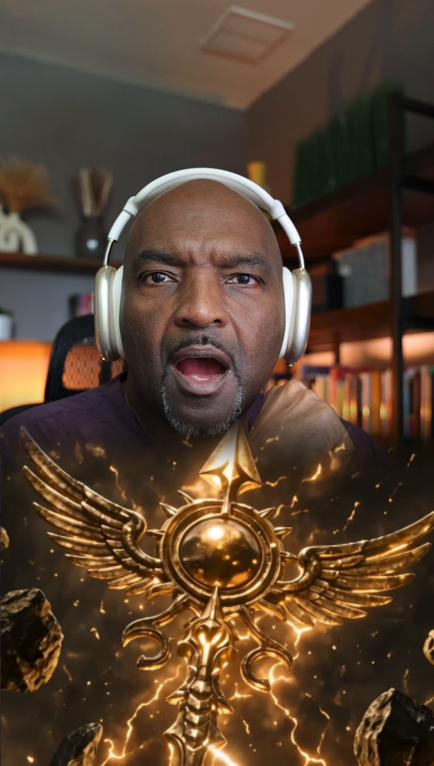
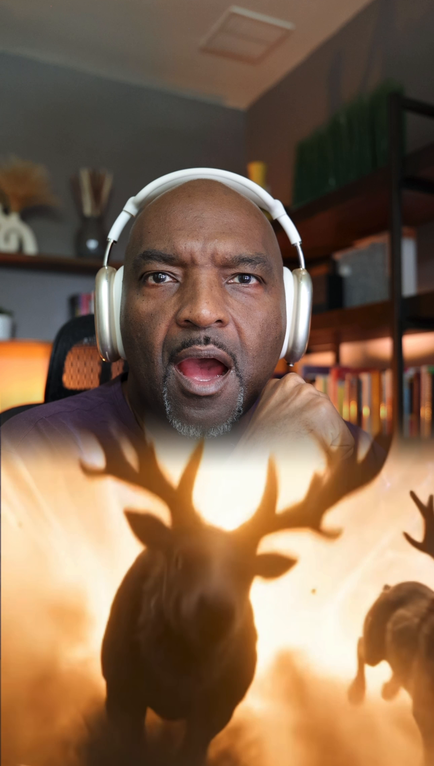
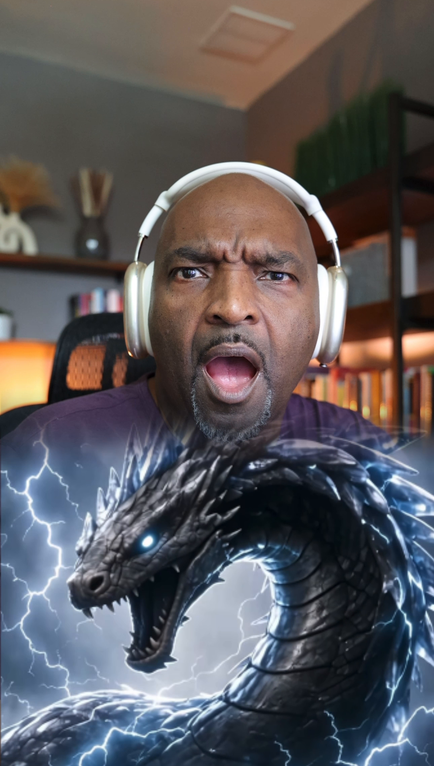
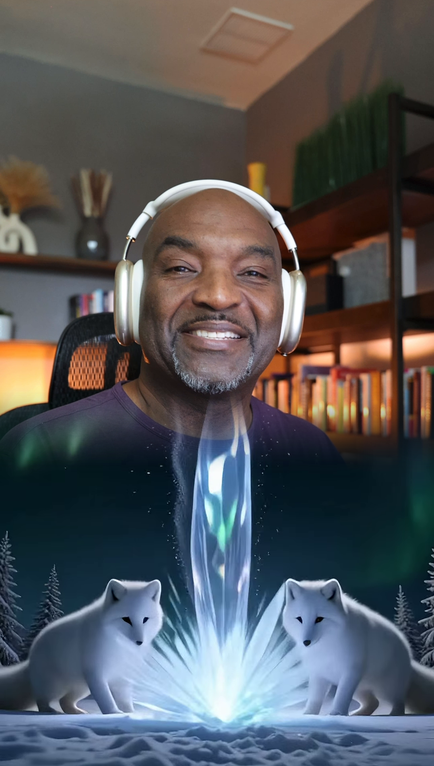
Every gifter gets the same gift animation. Yours get a cinematic moment across the bottom of your screen, while your face stays on camera. Three tiers. Two styles. $29.
Buy on your phone. Set it up once on your computer in TikFinity and TikTok LIVE Studio.
$29 per collection · 3 gift tiers · 0 video editing
@your_top_gifter sent your top gift · Tier 3 playing
New to LIVE
Look established on night one.
A polished thank-you makes a small room feel like a show worth gifting in.
Established streamers
Reward loyalty without breaking flow.
No guest queue, no camera swap. The moment plays, you say thanks, the LIVE keeps moving.
Agencies & coaches
One celebration style across your roster.
Pilot with a small group, standardise setup, and give every creator the same production value.
The thank-you your whole room can see.
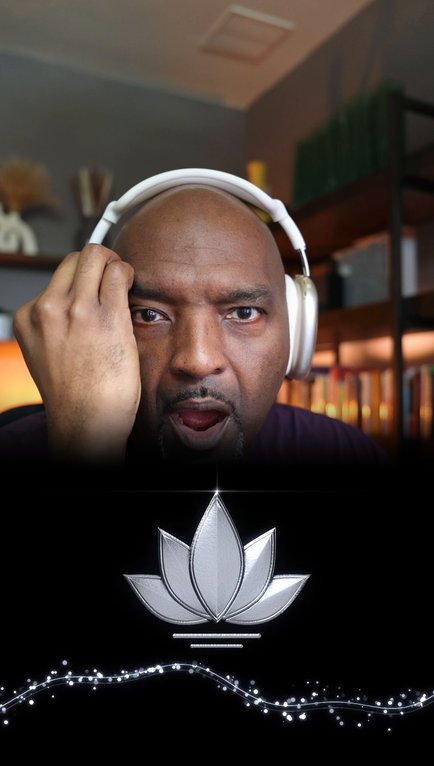
When a big gift lands, your gifter gets a moment the whole room watches, and you never leave the frame.
- ✓Your face stays on camera. The moment plays across the bottom of the frame, not over you.
- ✓It plays the second the gift lands. No guest queue, no scene swap, no pause in the LIVE.
- ✓Three tiers. A bigger gift gets a bigger moment, and you choose which gift triggers each one.
- ✓Set up once. Three TikFinity actions and one LIVE Studio source, then it runs itself.
- ✓Six see-through WebM files. Each tier in a standard and a tall height, so it sits right on your framing.
- ✓$29, once. Download for 12 months, use it for good.
Recorded in TikTok LIVE Studio: Silver Lily, top tier. Iron Reign builds the same way and ends on a crown of lightning.
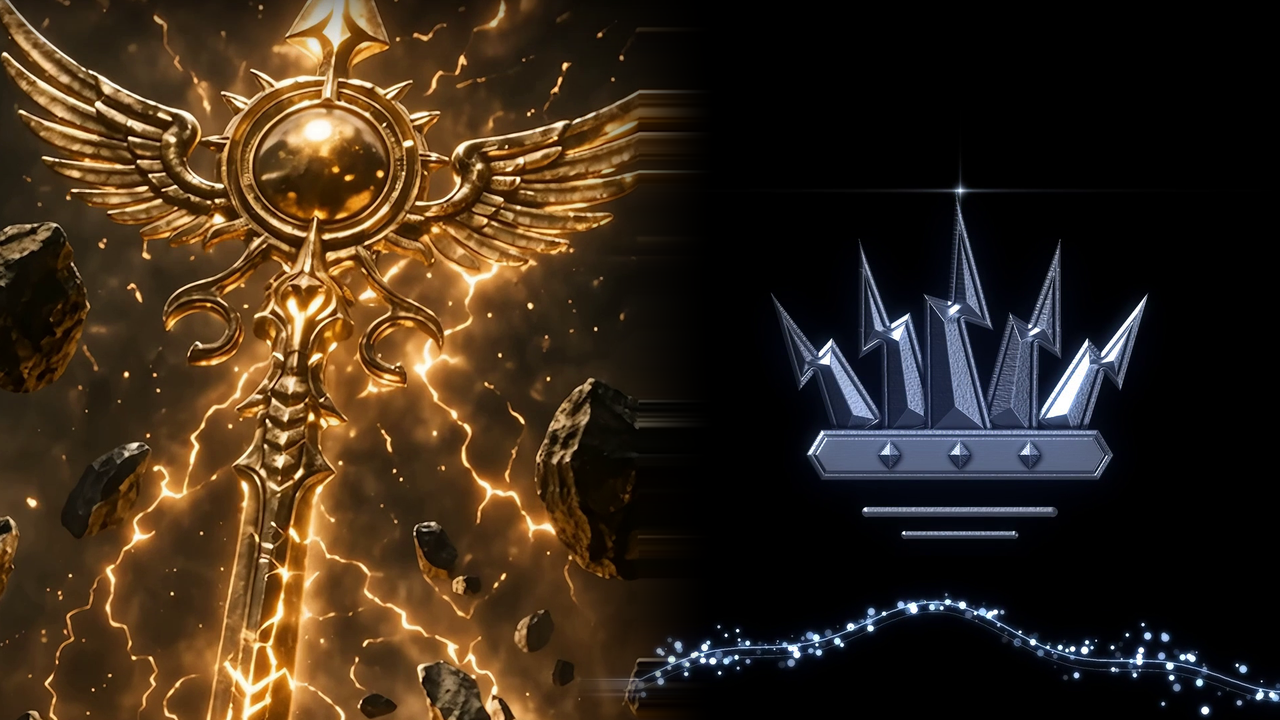
Two styles. Three levels of celebration.
Each $29 collection includes six see-through WebM overlays: three tiers, each in a standard and a tall height, plus a start-here guide, an MP4 preview and a licence for one creator account. You use one height per tier.
LIVE Moments — Iron Reign
One-time purchase. Download for 12 months, use it for good. Same files for every buyer: names, logos and colour changes aren't included.
Set it up once. Choose when it plays.
You need: a computer with TikTok LIVE Studio, a TikFinity account connected to your TikTok, and LIVE access on your account. Your TikFinity plan needs room for three actions.
01
Download and choose.
Unzip your collection and start with the standard WebM for each tier.
02
Connect.
Create three TikFinity video actions, then add the matching overlay Link source above your camera in LIVE Studio.
03
Play and test.
Link each action to a gift, or press Play yourself. Check sound, framing and a clean ending before you go LIVE.
The start-here guide walks you through nine steps. You do them once.
Use the .webm files. The MP4 is for watching. The standard files stay below your chin on a face-cam; if you sit further back or want the moment to rise higher, use the tall file for that tier. Link each action to a gift in TikFinity and it plays on its own.
Want me to set it up with you?
One 45-minute screen-share for $150. We set up your actions, link each tier to the gift you pick, test it together, and you get a one-page written recap of your settings. Works with the collection you bought.
LIVE Moments — Set It Up With You
Have LIVE Studio installed, TikFinity connected, LIVE access and your collection downloaded before the session. You book your time right after checkout.
Bring a shared celebration style to your roster.
Start with a small group of creators, help them set up their celebrations, and collect feedback. Individual downloads cover one creator account. Contact Ron to agree pilot scope, licensing and support for your roster.
Get new styles first
New collections drop here before anywhere else. At most twice a month.
By signing up, you ask Ron Davis to send new LIVE Moments styles and occasional creator tips, at most twice a month. Unsubscribe any time. This is separate from Table Stakes. Read the Privacy Policy below.
A few quick answers
Does it work if I go LIVE from my phone?
No. LIVE Moments plays through TikTok LIVE Studio on a computer, with TikFinity. If you only go LIVE from the TikTok app on your phone, it won't show on your stream. You can buy on your phone and set it up later on your computer.
Do I need both collections?
No. Each $29 collection is a complete style with three tiers and two height options. Buy the style you prefer; the $150 setup service is optional and purchased separately.
Can I choose the gifts or play it myself?
Yes. You choose the gift events you connect to each action in TikFinity, or use manual Play. The files do not configure gift rules for you. Test gift combinations, queue behaviour and repeated playback in your own setup.
Are these official TikTok Gifts?
No. These are independent video overlays played through your streaming setup. They are not TikTok's native Gifts or an official vault feature. TikTok and TikFinity accounts and eligibility are separate.
Can I add my name or share the files with my agency?
These standard collections are not personalised. Each licence covers one creator account and allows clips and replays of that creator's streams. Redistribution and resale are not included. Ask Ron about an agency pilot before sharing assets across a roster.
How do I access my purchase?
Sign in to your library with the email you used at checkout, open your collection, and download the ZIP on the computer you stream from. Open 0-START-HERE.pdf first and keep a backup. Download access lasts 12 months; your licence to use the files doesn't expire.
What else do I need to pay for?
Nothing else from me. TikTok and TikFinity accounts are separate, and TikFinity has its own plans: check that yours allows three actions.
What if I need help before buying?
Use the question form below, or email [email protected]. Tell me your computer and how you go LIVE today.
Questions before you buy?
Ask here or email [email protected]. Tell me your computer and how you go LIVE today; I reply by email, usually within a day.